How it works
Quick guide for new users of BangCoverArt AI Studio. Everything you need to know: generating covers, tokens, editing, and support.
How to Make Cover Art
The main screen is called Playground. That's where you build your cover from four parameters:
The Trap Art Style
Our signature cartoon style, hand painted from 2019 to 2024. We trained our own AI model on years of that artwork, so the results carry the same DNA as our custom pieces.
Hits hardest on street, gangsta and rap. Also works for R&B, drill, phonk, dark pop, country and anything with late night city energy.
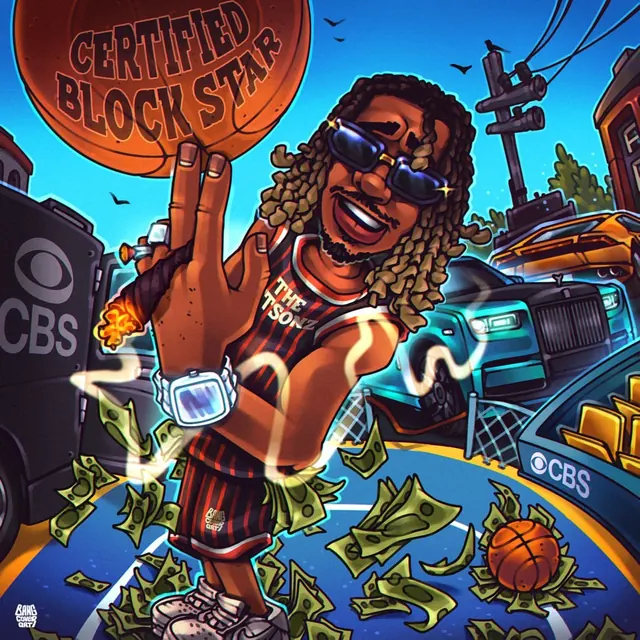
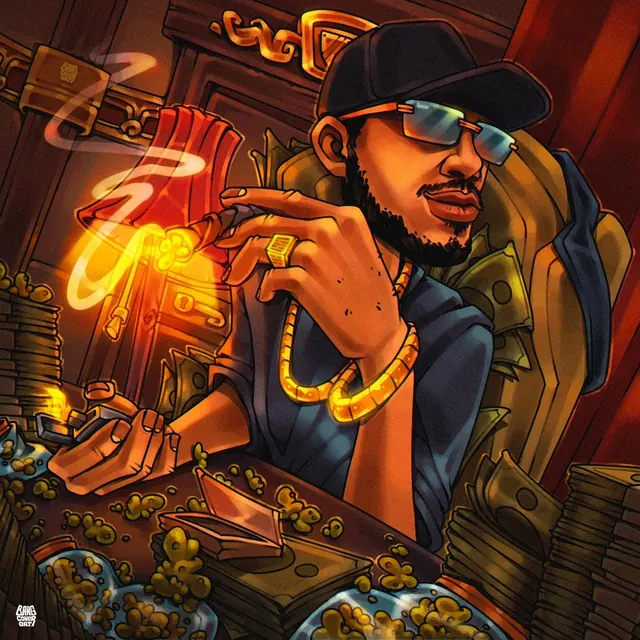
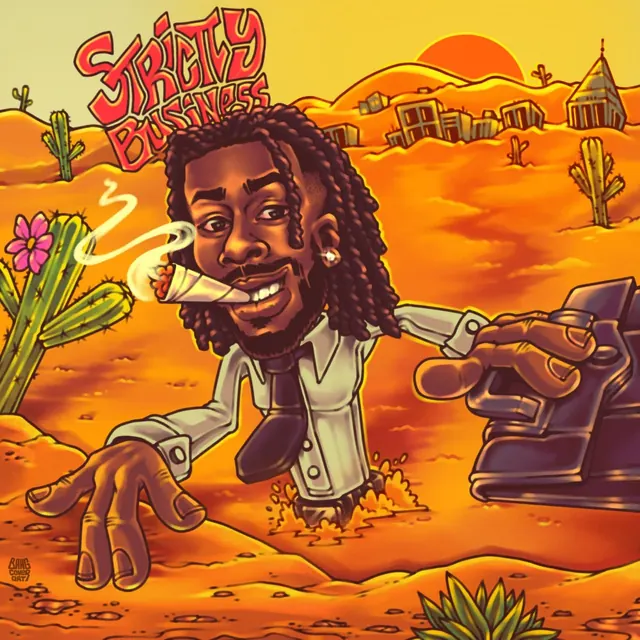
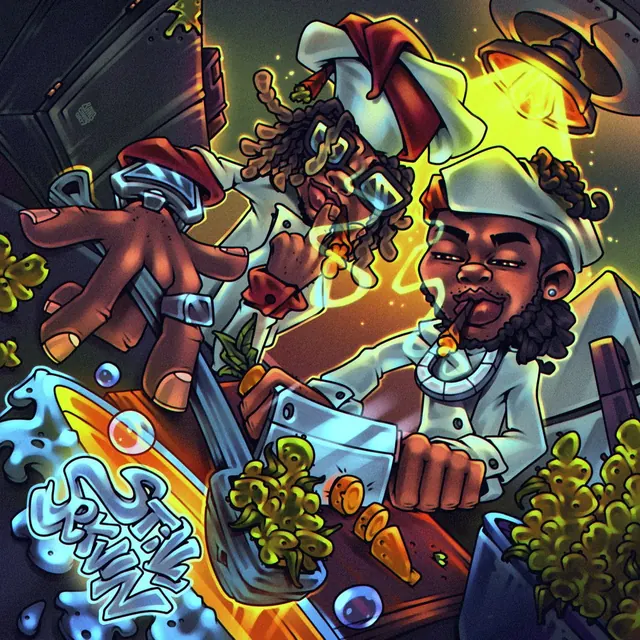
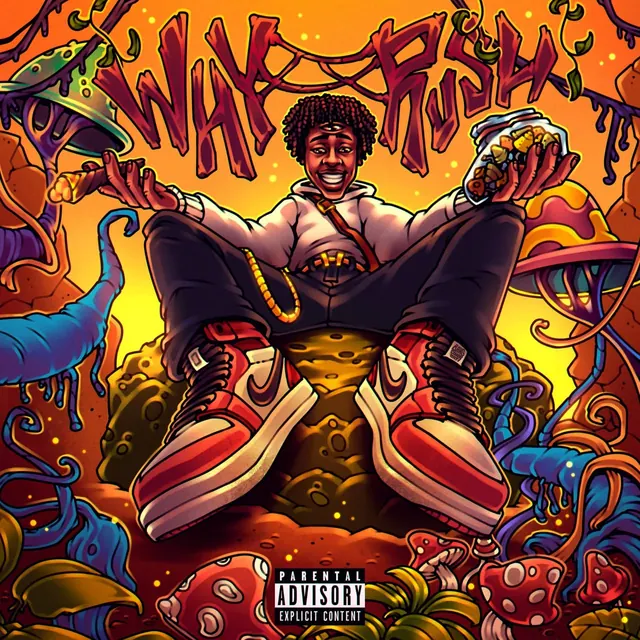
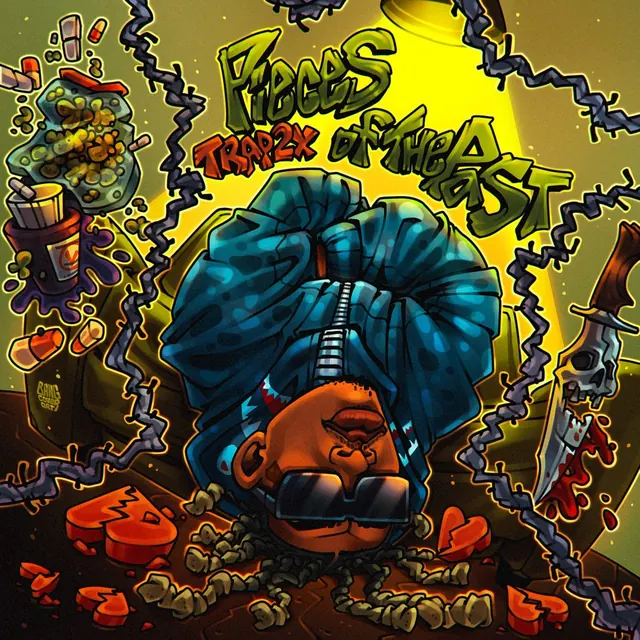
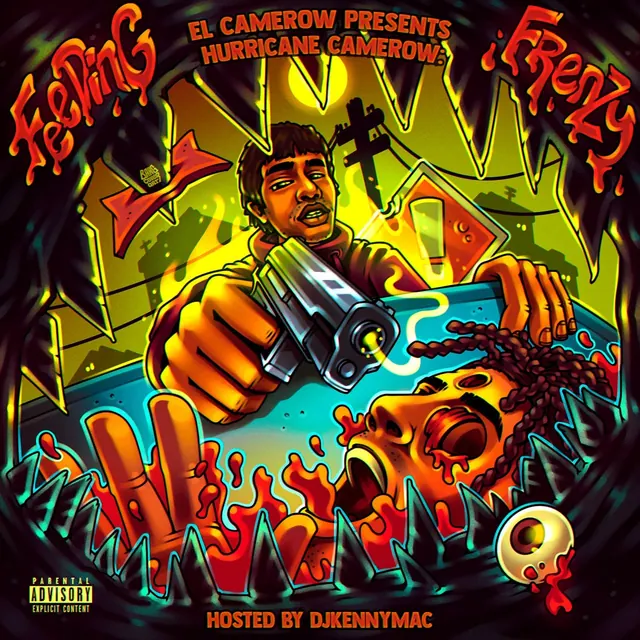
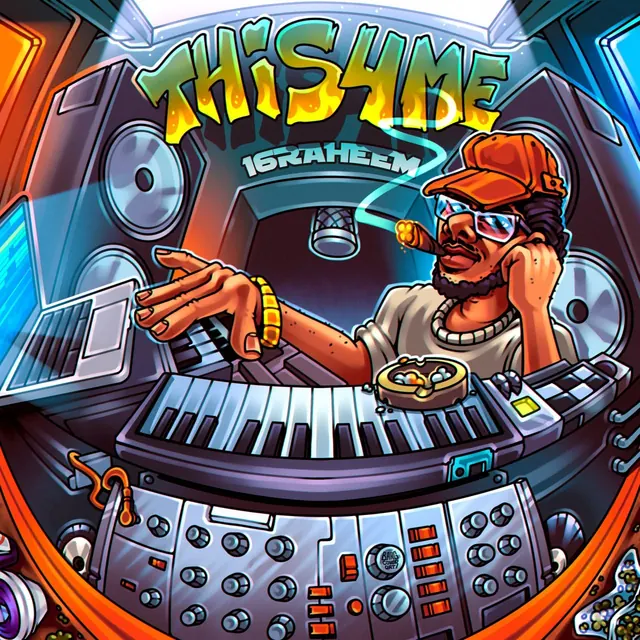
Real hand painted covers by our artists · not AI generations
Tokens
One cover costs 10 tokens. An edit costs the same — it is a new generation, just built on top of a finished cover.
You get 70 free tokens every day, and up to 280 a month. That is 7 covers a day. Free tokens are spent first; your balance is only touched when they run out.
Free tokens come back a bit at a time through the day, not all at once at midnight. The counter at the top shows how many you have and when the next ones arrive — tap it and it explains itself.
- Every cover is generated at 2048 × 2048 — one size, one price
- Bought tokens never expire
- A failed generation costs nothing
When Free Runs Out
Nothing breaks — you just wait for the next free tokens, or top up and keep going right away.
- Tap the balance in the counter at the top
- Or open Profile
Payment goes through PayPal or a card via PayPal. We confirm it by hand, usually within a few hours, and your balance updates as soon as it is confirmed.
Editing & Downloading
After each generation two buttons sit above the cover:
- ↑ Edit opens the tweak panel. Type what you want: "make the eyes red", "add a gold chain", "remove the background". The AI edits the same image without starting from scratch
- ↓ Download HD saves the high resolution file for streaming and socials
Downloading the clean file
Every cover can be downloaded for free straight away — with our watermark, 900 px. Good enough to show a friend or test an idea.
For the release you need the clean file, and that is what the license is for: no watermark, full size, yours to keep. You can also ask for a 4096 × 4096 version — we prepare it on request, it takes about a minute.
One license covers that cover and every edit you make of it. Distributors like DistroKid ask for at least 1000 px, so the free 900 px file will not pass — that is the honest reason the license exists.
Your Works History
Every cover you generate is auto saved in the Works tab up top. Each work has 4 actions:
- ↑ Edit tweak this cover (same as step 5)
- ↓ Download HD grab the high resolution file
- ↺ Use Prompt loads all the settings from this work back into Playground for a new generation
- × Delete removes it. Tokens are not refunded
Password Reset
If you remember your current password:
- Open the Profile tab
- Hit Change Password
- Type your old and new password, then Save
If you forgot it:
- On the login screen, type your Instagram and hit Sign in with an empty password
- An orange block appears with a Reset password via support button
- Tap it. The manager gets your request and sends you a reset link in Instagram DM
- Open the link, set a new password. The link works for 2 hours and only once
Support
Got a question, found a bug, or want to drop a feature request? Slide into our Instagram DMs: @bangcover.art. We answer every day.
Ready to Run It?
That's all you need. Head back to Playground and start cooking your cover in Trap Art.
Back to Playground →Need a different vibe?
We still take custom cover and motion animation orders from our artists. Detailed work from idea and sketch all the way to the final piece.